project case study
Devlog
Public developer journal for daily learning, notes, and project progress.
A Jekyll-powered developer log hosted on GitHub Pages. It documents daily progress, learning, and software engineering experiments with markdown entries, archive browsing, dark/light mode, syntax highlighting, responsive design, and Python automation scripts for maintaining clean notes.
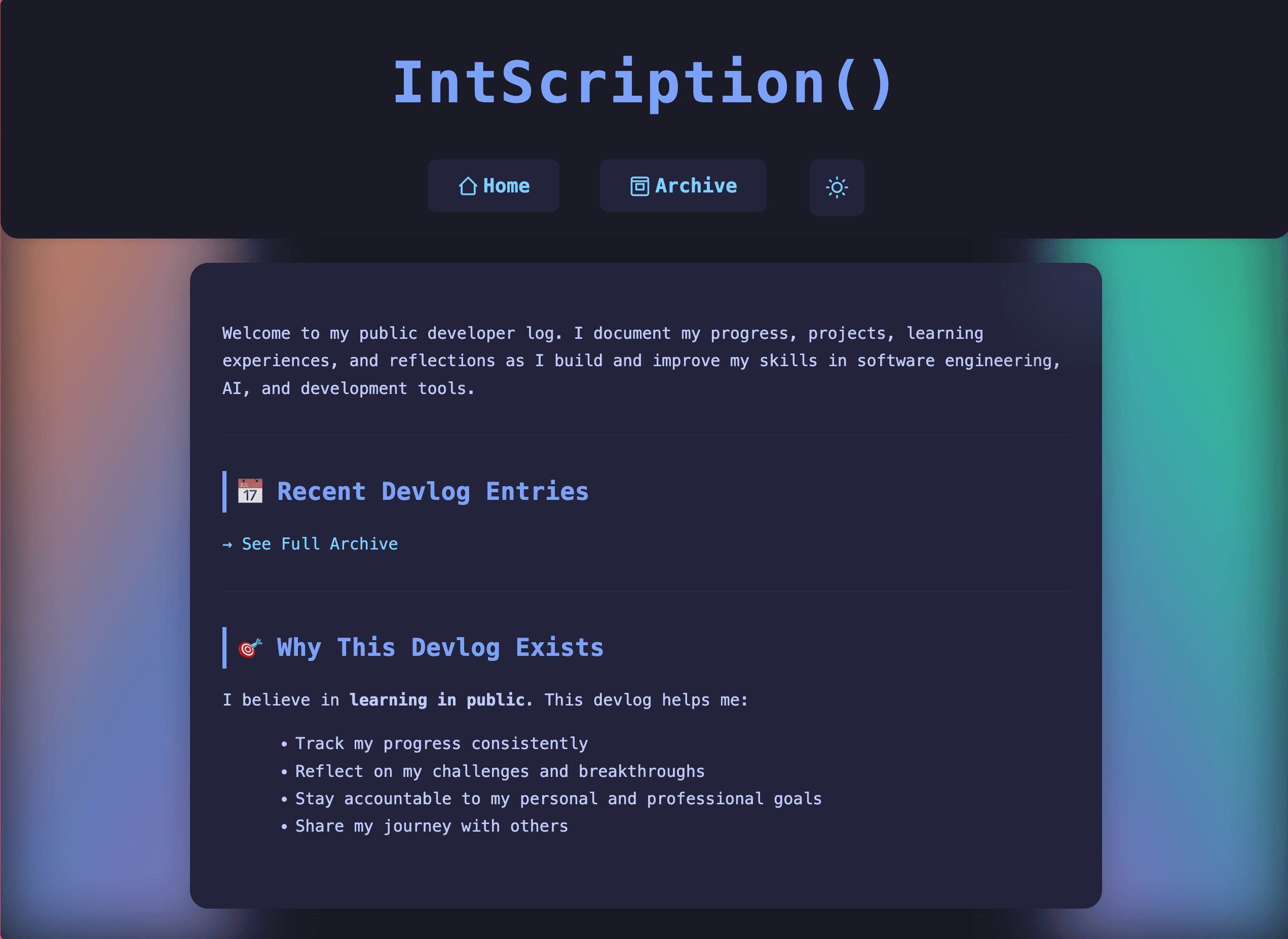
Overview
Devlog is a public developer journal where I document my daily progress, learning, experiments, and software engineering workflow. It is built as a Jekyll-powered GitHub Pages site with markdown-based entries, an archive page, dark/light mode, syntax highlighting, responsive layouts, and automation scripts for keeping notes clean and consistent. :contentReference[oaicite:0]{index=0}
Challenge
The challenge was to create a personal logging system that felt simple to write in but polished enough to publish. I wanted a workflow that worked well with Neovim, Markdown, Git, and LazyGit while still supporting clean navigation, archive browsing, readable code snippets, responsive design, and consistent formatting across entries. :contentReference[oaicite:1]{index=1}
Solution
I built the devlog using Jekyll, Markdown, SCSS, JavaScript, and GitHub Pages. The site includes custom layouts, shared includes, styled markdown tables, syntax-highlighted code blocks, a sticky navigation header, a typing effect on the homepage, and a dedicated archive page. I also added Python helper scripts for fixing navigation links, markdownlint formatting, wiki-link conversion, and adding Jekyll front matter. :contentReference[oaicite:2]{index=2}
Outcome
The result is a lightweight, public devlog that turns daily learning and project progress into a structured, searchable, and readable developer journal. It also shows my workflow style: terminal-first writing, Git-based publishing, automation scripts, and a clean static-site setup hosted on GitHub Pages. :contentReference[oaicite:3]{index=3}
Highlights
- Built with Jekyll, Markdown, SCSS, JavaScript, Python, and GitHub Pages.
- Created a public developer journal for daily progress, learning, and project notes.
- Added dark/light mode, responsive design, syntax highlighting, and styled markdown tables.
- Built an archive page for browsing older devlog entries.
- Added a live typing effect for a more dynamic homepage.
- Used Python automation scripts to fix navigation, markdownlint issues, wiki links, and front matter.
- Designed around a Neovim + Git + LazyGit writing workflow.